
The seven alternatives fall into three different workflows. CroxyProxy, ProxySite, Proxyium, hide.me, and 4everproxy are hosted web proxies for pasting a URL without installing software. Socks5.IO provides configurable proxy endpoints for browsers, apps, and scripts. Proton VPN is an app or browser extension for traffic beyond one hosted webpage. The right choice depends on whether you value convenience, route and session control, or coverage for another application.
Start with the reason you want to switch: a page that will not open, video failures, slow loading, ads, a specific location, a stable session, or coverage for another app. This comparison uses official product information, not hands-on speed or playback tests.
Choose by the Reason You Want to Leave BlockAway
Option |
Workflow |
When to consider it |
Main strengths |
Access and limits |
|---|---|---|---|---|
Socks5.IO |
Configured proxy endpoint |
Need precise location, IP-session control, or a route that works in an app or script |
Country/state/city targeting; sticky or rotating IPs; HTTP(S)/SOCKS5; static residential option |
PAYG at $3.50/GB; setup required; availability varies by location and product |
CroxyProxy |
Hosted web proxy |
Want another familiar URL-entry point |
Free form; video/audio support advertised |
Association with BlockAway means it is not a clearly independent fallback |
ProxySite |
Hosted web proxy |
Want to compare a broad US or EU route |
Visible US/EU server selection and URL form |
No precise city targeting; no install |
Proxyium |
Hosted web proxy |
Want a simple paste-a-URL workflow |
No-download form with a short location menu |
Poland/France is one combined choice; location options are limited |
hide.me |
Hosted web proxy |
Need a European route or page-processing controls |
Netherlands/Germany/Finland; cookie and script controls |
Script removal can break buttons or media; no install |
4everproxy |
Hosted web proxy |
Want separate server and exit-location choices |
WebServer and IPLocation selectors; page controls |
Free form; extra settings do not prove better speed |
Proton VPN |
VPN app or browser extension |
Need a connection for another app or broader device traffic |
App covers device traffic; extension covers browser traffic |
Free plan requires an account and does not provide on-demand country selection |
If BlockAway itself is unavailable, first check whether a candidate’s homepage loads on your network. That only establishes access to the tool; then check the destination. If several proxy homepages fail, an approved direct connection or another permitted network can help distinguish a local access restriction from a destination-specific problem.
If the problem is slow loading, compare the same page on two services within a short time window, then retry BlockAway. A one-time improvement helps you finish that visit but does not establish long-term reliability. If ads or prompts are your main complaint, check the free interface before paying; none of the web proxies here has been verified as ad-free.
Seven Alternatives by Workflow
The five hosted web proxies below keep the BlockAway-style workflow: open a website, paste a destination, and browse through the provider’s page. Socks5.IO and Proton VPN solve different problems. Socks5.IO gives compatible software a proxy endpoint with location and session controls; Proton VPN routes traffic through an app or browser extension.
1. Socks5.IO: More Control over Location and Proxy Sessions
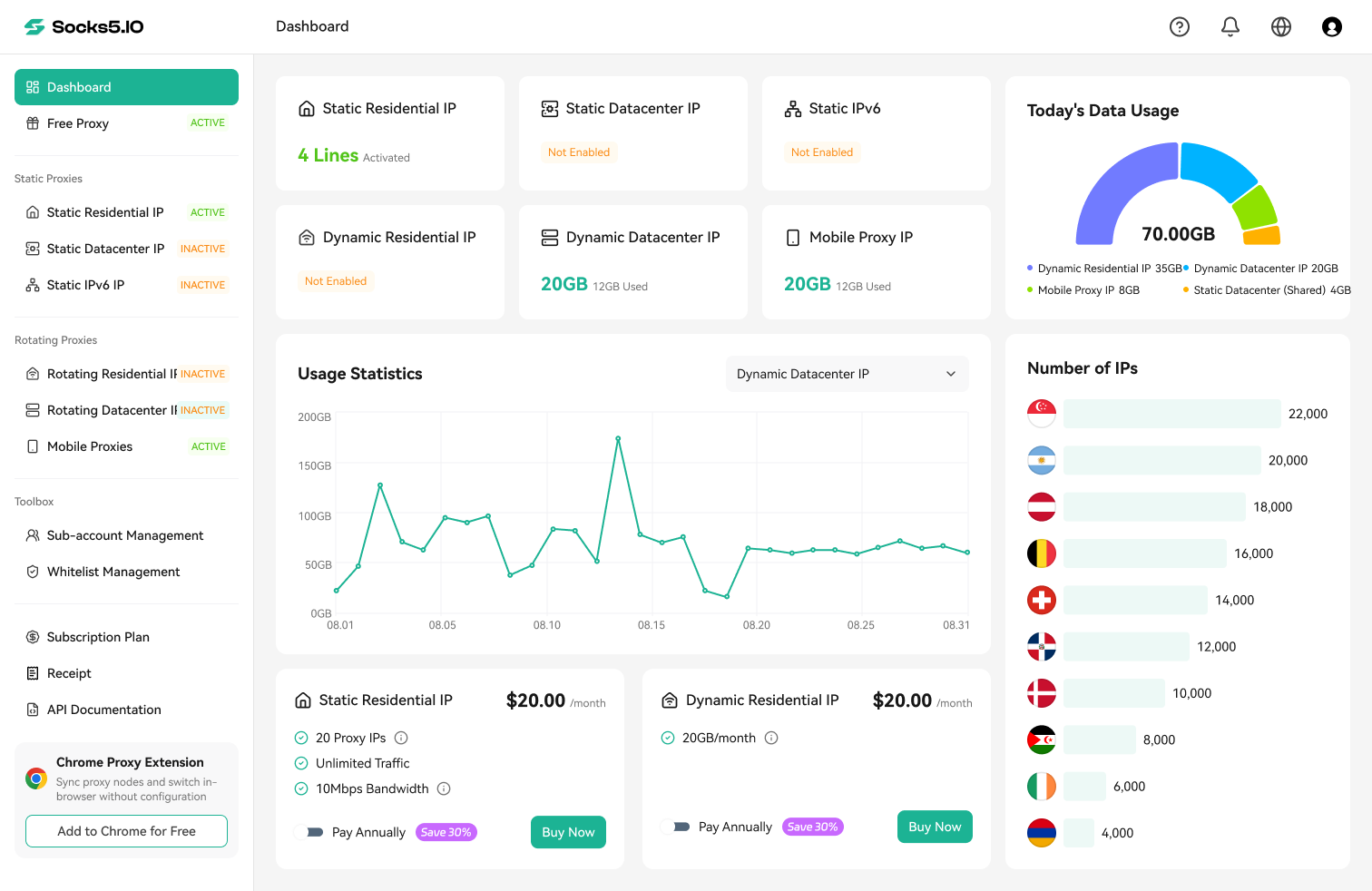
Choose Socks5.IO when a hosted webpage is too limited for the task. Its rotating residential proxies support country, state, and city targeting, plus rotating or sticky IP sessions. HTTP(S) and SOCKS5 endpoints can be used in compatible browsers, apps, and scripts; this SOCKS5 versus HTTP proxy comparison explains when each protocol fits. That is the main difference from a free URL-entry proxy: you control how the connection is integrated and how the session is handled.
In a review of the official product page on October 16, 2026, Socks5.IO listed coverage in 190+ countries and 80M+ residential exits. These provider-reported figures can change and do not guarantee that every city or route is available. Confirm the required location, session duration, and product before buying. For a broader paid-service comparison, see our residential proxy providers comparison.

Source: Socks5.IO
For a longer fixed-IP requirement, the separate static residential product retains an ISP-assigned address for the rental period.
If you are new to proxy endpoints, follow this guide to set up a residential proxy before choosing a plan.
Best fit: Specific locations, IP-session control, or compatible software that accepts proxy endpoints. The official pricing page lists PAYG at $3.50/GB with no plan commitment. Setup and payment are required, so a free web proxy is simpler for an occasional public page.
Socks5.IO is competitive when control, repeatability, and software compatibility matter more than a one-time no-download visit: it combines granular location selection, session choices, two common proxy protocols, and a static residential option in one configurable workflow.
2. CroxyProxy: A Familiar Entry Point with Shared-Service Signals
CroxyProxy is a close workflow match for BlockAway: open the web form, enter a destination URL or search query, and browse through the hosted interface. Its basic service is free, and the official page says no download or proxy configuration is required. A browser extension is available but optional.

Source: CroxyProxy
On October 16, 2026, the BlockAway homepage and CroxyProxy homepage both displayed Server IP 143.244.207.157 in the footer, and their Premium links pointed to the same CroxyProxy Patreon page. These are signs of an association, not proof that every request uses the same exit IP or that the services always share outages. If your reason for switching is a recurring service failure, try a different provider before relying on this domain change.
Best fit: A familiar free URL-entry interface with advertised video/audio support. If the same page or clip fails on both BlockAway and CroxyProxy, move to another provider.
3. ProxySite: For Trying Another US/EU Route
ProxySite provides a free web proxy with a visible US/EU server menu and a destination URL field. Its official homepage also includes YouTube and Facebook shortcuts. It is useful when you want to choose a broad regional route before opening a public page, without configuring a separate proxy client.

Source: ProxySite
Consider ProxySite when you want to try another server without installing software. Choose a US or EU entry, paste the same public URL, and check the link or button that failed in BlockAway. Use the same destination and repeat the same action so you can assess whether the different route helped. For a wider comparison of this workflow, read the ProxySite alternatives.
Best fit: No-download browsing with a choice of US or European servers. The menu offers broad regional routes, not city-level targeting. The YouTube shortcut is convenient, but test the clip itself before relying on it.
4. Proxyium: For Keeping the No-Download Workflow
Proxyium offers free browser-based access through a URL/search field and a short location menu. Its current choices are Poland/France, the United States, and Singapore. Poland/France is one combined option, not two countries you can select independently.

Source: Proxyium
Consider Proxyium when you simply want another paste-a-URL entry point. Open its homepage, select an available location, and enter the public page you need. Read beyond the first screen and follow a necessary link before deciding it is a usable replacement.
Best fit: A simple free URL-entry workflow when one of its offered locations is sufficient. For France-specific access, the combined Poland/France choice is insufficient. The menu’s “Fast” and “Slow” labels are provider descriptions; use your page’s loading behavior to judge performance.
5. hide.me: For European Routes and Page Controls
The hide.me free web proxy lists the Netherlands, Germany, and Finland. Its official page says no account or software installation is required. It also documents controls for cookies, URL/page encryption, scripts, and objects. Choose it when these European routes or page settings fit your task.

Source: hide.me
Consider it when one of these three countries matters or you want to control how a page is processed. Start with the default settings. Removing scripts may stop a button or video player from working, so restore them before assuming the page is unavailable.
The free proxy and hide.me’s VPN are separate products. The proxy’s documentation describes decrypting and re-encrypting content while processing it. For sensitive activity, read the web proxy’s own handling policy rather than relying on the VPN’s claims or the presence of encryption options.
6. 4everproxy: For Comparing Route and Page Settings
4everproxy’s free web interface offers separate WebServer and IPLocation selectors. It also displays options for cookies, script removal, page encryption, page titles, and permanent URLs. This is useful when you want to inspect more routing and page settings than a simple BlockAway-style URL form provides.

Source: 4everproxy
Consider it when you want to change the server and exit location separately. WebServer selects the proxy server; IPLocation selects the offered exit-location option. Begin with defaults, then change one selection and repeat the page action that failed. Avoid changing cookies and scripts at the same time.
Best fit: A free web proxy with separate server and exit-location settings. Its paid VPN is a different product; you can use the web form without buying that plan.
7. Proton VPN: When a Proxy Page Does Not Cover Your App
Proton VPN offers a VPN app for traffic beyond a hosted proxy page. Its Free page lists one device, unlimited data, no ads, and a no-logs policy. Proton also provides a stand-alone Chrome/Firefox extension to Free account holders. The extension covers that browser’s traffic, not separate apps; use the VPN app for the app-access requirement discussed here.

Source: Proton VPN
Best fit: Another app needs the connection, so a hosted web-proxy page cannot cover the task. Install the VPN app and check its routing settings. For browser-only traffic, the extension is sufficient and requires a Proton account. Both options require installation.
Check free-tier terms separately from paid plans. In Proton’s free VPN app, the initial connection uses an automatically selected server; changing servers assigns another at random and is subject to a cooldown. This does not give you on-demand country selection. Paid plans offer broader country choice, additional devices, and streaming support. Neither tier guarantees access to every streaming destination.
Would Browser Privacy Controls or Separate Profiles Help?
Browser privacy controls can reduce tracking, while separate profiles can keep browsing environments apart. Neither change alone proves that your public IP has changed. GoLogin’s proxy documentation notes that websites may still link profiles through a shared IP. If you need a different network route, check the connection configured for that profile; if you only need to open one public page, a hosted web proxy is a simpler workflow.
Check the Features That Matter Before Switching
A useful replacement must complete your task beyond loading the first screen. For video, check both playback and seeking; for a public page, check the links and buttons you need.
If location matters, check the proxy’s actual location controls rather than the page language. Browser preferences and cookies can affect language without changing your exit IP. A sticky IP also does not preserve cookies or automatically prevent a visit from resetting.
Do You Need to Pay for a BlockAway Alternative?
You do not need to pay if a free option opens the complete public page or plays the clip you need. Consider paying for a specific missing capability, such as city targeting or proxy-session control. First confirm that you can configure the service and that its terms fit your task.
At Socks5.IO’s listed $3.50/GB PAYG rate, 2 GB costs $7 and 20 GB costs $70. The 100 GB package costs $125 and is valid for 30 days. If you use only 20 GB during that period, its effective cost is $6.25 per used GB. Estimate your usage before choosing a bundle; the lower advertised unit price may still mean a higher total bill.
Before You Log In or Share Personal Information
BlockAway’s privacy policy lists IP addresses, browser type, ISP, timestamps, referring/exit pages, and possibly click counts in its Log files section. It describes a 60-day logging goal for information needed for legitimate law-enforcement inquiries. Its advertising section also says third-party ad networks automatically receive an IP address and may use cookies, JavaScript, and web beacons. These are published policy statements, not an audit of actual collection.
Use unfamiliar hosted proxies only for public content, and avoid sensitive credentials or payment details. EFF’s explanation of encryption describes how encryption protects data in transit and why it is not a complete privacy solution. Before choosing a VPN, review its requested permissions and its policy on sharing data with third parties. A different provider changes whom you trust; it does not remove that decision.
Use these options only for authorized access. If a managed network prevents a legitimate task, ask its administrator about an approved method. Follow applicable law, site terms, and provider acceptable-use policies.
Which BlockAway Alternative Should You Try?
If BlockAway’s homepage will not open, try ProxySite or Proxyium first; CroxyProxy’s association with BlockAway makes it a less distinct fallback. Choose Socks5.IO for location targeting or IP-session control in compatible software, or the Proton VPN app when another app needs the connection. For video failures or intrusive ads, this comparison cannot establish a reliable fix: check the free option on your content before paying.

 Gideon Reed

 Valerie Quinn