
TL;DR
In a mobile proxy vs residential proxy decision, start with the identity and routing requirement—not a provider’s marketing label. A mobile proxy exits through an IP assigned to a cellular network. A residential proxy exits through an IP associated with a residential broadband connection. Both can be useful for authorized location-aware testing, research, and automation, but neither automatically grants access or makes a collection workflow compliant.
Choose a mobile proxy when the task genuinely needs a cellular-network exit or mobile-carrier context. Choose a residential proxy when you need residential geography, broader location coverage, or a pool designed for rotating or session-based requests. If a stable, long-lived address matters more than changing egress, compare static residential or ISP options separately.
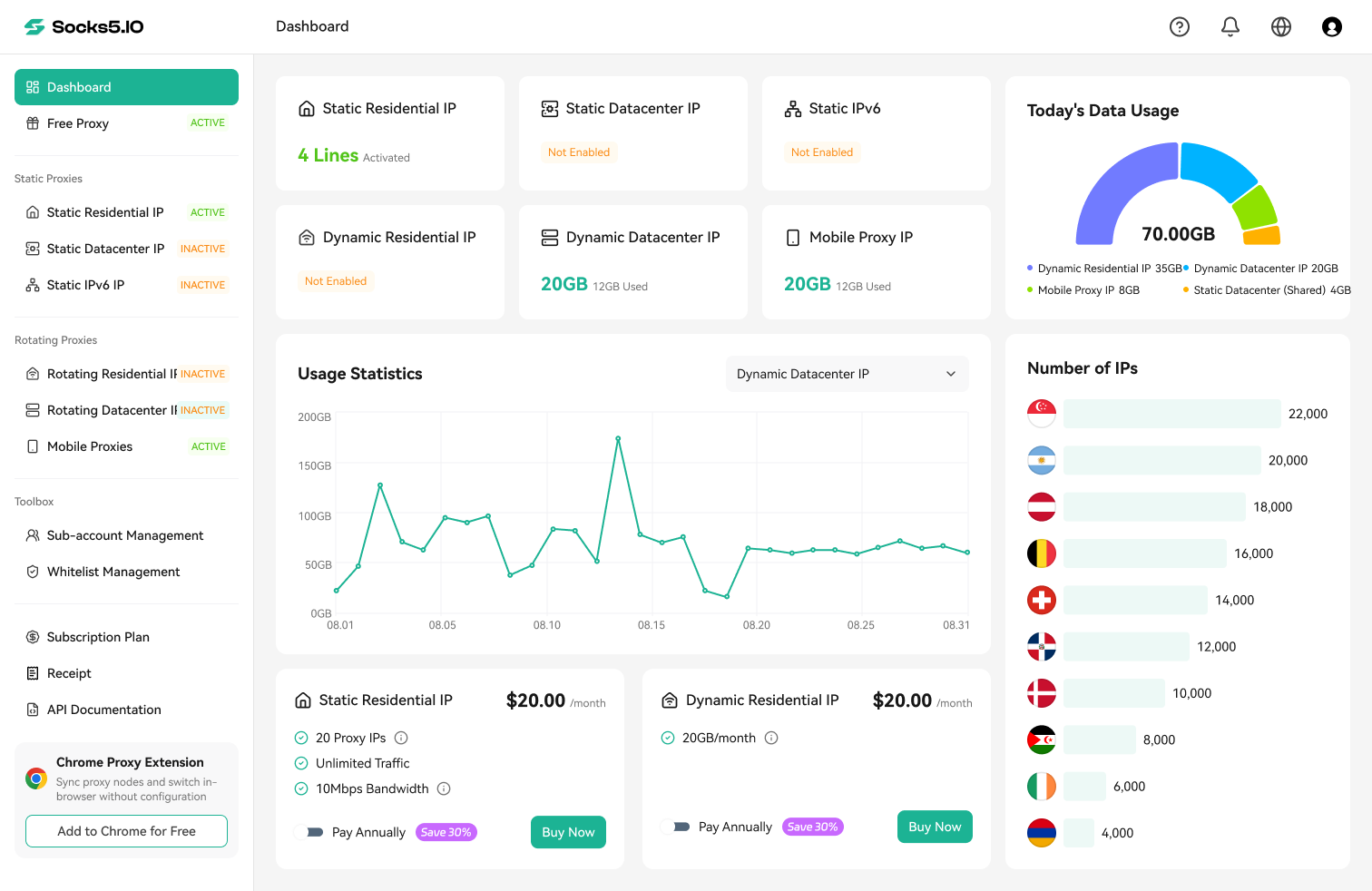
For teams evaluating a provider, Socks5.IO offers mobile and residential proxy options for different routing requirements. Consider its mobile proxy option when cellular-network context is essential, or its dynamic residential proxy option when an authorized workflow needs residential ISP routing and supported session controls. Confirm current locations, protocols, authentication, rotation settings, pricing, and acceptable-use policies in the official documentation before deployment.

Mobile Proxy vs Residential Proxy at a Glance
| Decision factor | Mobile proxy | Residential proxy |
|---|---|---|
| Network identity | Cellular carrier network | Residential broadband connection |
| Typical address context | Mobile operator and carrier ASN | Household ISP and residential ASN |
| Best fit | Mobile-network validation, carrier-specific research, approved social or app workflows | Geo-aware web testing, residential location coverage, rotating collection workflows |
| Session behavior | May rotate with carrier or session settings | Can be rotating or sticky, depending on product configuration |
| Targeting questions | Carrier, country, region, and mobile-network availability | Country, region, city, ASN, session, and rotation options |
| Main tradeoff | Smaller or carrier-dependent supply and potentially higher cost | More infrastructure and policy considerations than a basic datacenter route |
These are category-level distinctions, not guarantees. A provider can offer different plans, routing modes, session lengths, and targeting controls inside each category. Verify the exact endpoint, protocol, location, rotation, and authentication behavior before implementation.
What Is a Mobile Proxy?
A mobile proxy routes traffic through an address associated with a mobile carrier network, commonly through 4G or 5G connectivity. The visible network context is therefore cellular rather than a home broadband line or a hosting provider. That distinction is useful when a test must reflect how a mobile operator, carrier routing policy, or mobile-first service sees a request.
Mobile proxies are often considered for:
- validating mobile-specific content or redirects;
- checking carrier- or region-dependent experiences;
- authorized app and social workflow testing;
- measuring how a service behaves across mobile-network exits.
The important limitation is that “mobile” describes the network source. It does not mean the request came from a particular phone, that a user is logged in, or that a platform will accept every action. Account permissions, application rules, rate limits, and privacy obligations still apply.
For provider-specific capabilities, evaluate the provider’s network inventory and carrier targeting. The official Socks5.IO mobile proxy product page identifies the mobile proxy offering; use it to check whether the current product supports your required regional testing, automation workflow, carrier context, and session settings. Verify specific carrier options, session controls, and bandwidth pricing before deployment.

What Is a Residential Proxy?
A residential proxy routes traffic through an IP associated with a residential internet service provider. In practical terms, the exit is identified with a household broadband network rather than a cloud-hosting ASN. Residential routing can be useful when a test needs a location-specific residential context or when a workload requires a rotating pool with session controls.
Common authorized scenarios include:
- checking localized pages and search experiences;
- validating prices, availability, or content by market;
- monitoring a public website at a controlled request rate;
- testing a geo-dependent customer journey.
Residential does not mean “untraceable” or “always accepted.” The service still has an owner, routing policy, and provider terms. Keep collection within the permission and data-use boundaries of the target site.
For residential proxy deployment, evaluate the provider’s pool architecture and protocol support. The official Socks5.IO dynamic residential proxy product page identifies the relevant offering. Geographic targeting, session controls, and protocol availability may depend on the selected product or plan, so check the current specifications before relying on them. Verify supported country/city filters and rotation parameters against your workload requirements.

The Differences That Matter in Practice
1. Network context
The clearest difference is the upstream network. Mobile traffic appears to come from a cellular carrier; residential traffic appears to come from a household ISP. That can affect geo signals, carrier-specific behavior, fraud controls, and how a service classifies the request.
If your task is checking mobile operator redirects or app-store localization, a residential proxy may not reflect carrier routing. If your task is verifying how desktop broadband users in Chicago see a localized store page, a mobile route is unnecessary and usually more expensive.
2. Geographic targeting and pool size
Residential proxy pools are typically broader because household broadband connections are widely distributed across countries, states, and cities. Many providers support country-, state-, and city-level targeting for residential pools.
Mobile proxy pools depend on mobile operator presence and cellular connections. Coverage can be concentrated in specific countries or metropolitan markets. If city-level targeting across dozens of small markets is essential, verify that coverage exists before choosing mobile.
3. Session persistence and rotation
Both types support rotating and sticky modes depending on how the provider configures them, but the underlying mechanisms differ:
- Mobile proxies often share carrier gateway IPs through carrier-grade NAT (CGNAT). An individual mobile session may rotate on a timer, per request, or when the cellular connection reconnects.
- Residential proxies can offer per-request rotation or session persistence (sticky sessions) managed by the proxy gateway.
For tasks that require multi-step state—such as viewing several related pages in sequence—a sticky residential or sticky mobile session is preferable to per-request rotation. If the session changes with every URL, application state can break.
4. Reliability and operational maintenance
Residential and mobile endpoints run on physical consumer and carrier connections, which makes them inherently more dynamic than dedicated datacenter servers. Peer nodes can go offline, change addresses, or experience variable latency.
Operational success depends on:
- health checks that discard slow or unresponsive exits;
- retry logic with modest backoff;
- explicit timeouts so slow routes do not block queues;
- clear separation between transient network errors and target-site rate limits.
5. Pricing structure and bandwidth costs
Mobile proxies are generally priced higher per gigabyte or per port than residential proxies because cellular bandwidth and hardware maintenance carry higher underlying costs. Residential proxies are more commonly priced by data transfer (per gigabyte) across a large shared pool.
If your authorized workload processes significant data volume, cost per gigabyte should be an early filter. Do not default to mobile routing when residential or datacenter routing satisfies the technical requirement.
Selection Checklist: Which Proxy Should You Choose?
Use this decision sequence:
-
Does the task require a mobile-carrier ASN?
If yes, choose a mobile proxy. This applies to mobile-redirect testing, carrier-specific pricing, and mobile-network research. -
Does the task require household ISP geography or broad city/country coverage?
If yes, choose a residential proxy. This is typical for localized search monitoring, pricing verification, and location-specific public-site checks. -
Does the workflow need session continuity across several requests?
If yes, choose a sticky session configuration (residential or mobile) rather than a per-request rotating pool. -
Is network identity irrelevant, and is raw throughput/cost the priority?
If the target does not differentiate by ASN type and the access is authorized, consider a datacenter proxy or direct connection before paying for residential or mobile bandwidth.
When Should You Choose Socks5.IO?
Consider Socks5.IO when its current mobile or residential proxy options match your required network identity, location, protocol, and session behavior. Choose a mobile option for authorized carrier-aware validation, and choose a residential option for localized web checks or workflows requiring residential routing. Verify current locations, authentication, rotation controls, pricing, and acceptable-use policies before deployment.

Configuration Pattern for Python
Before running SOCKS5 proxy routes in Python, ensure your environment includes SOCKS protocol support. When using Requests, install the SOCKS extension to avoid missing dependency errors:
python -m pip install "requests[socks]"
The network type is normally selected in the provider dashboard or endpoint parameters. Your Python client receives a proxy URL and sends it through its standard proxy setting. To avoid exposing credentials or triggering unintended fallback requests, read proxy endpoints and target URLs strictly from environment variables:
import os
import requests

# Read proxy endpoint and target URL strictly from environment variables
proxy_url = os.environ["PROXY_URL"]
target_url = os.environ["AUTHORIZED_TARGET_URL"]

response = requests.get(
    target_url,
    proxies={"http": proxy_url, "https": proxy_url},
    timeout=20,
)
response.raise_for_status()
print("Status code:", response.status_code)
For Socks5.IO endpoint parameters and credentials, consult the official Socks5.IO documentation. Check the current documentation for HTTP(S) and SOCKS5 support available for your selected product or plan. This is a Requests configuration pattern, not evidence of a proprietary Python SDK. Never paste a real username, password, API token, session identifier, or account endpoint into an article, repository, screenshot, or log.

Mobile and Residential Proxy Troubleshooting
| Symptom | Likely cause | How to verify | Smallest useful fix |
|---|---|---|---|
| Location is wrong | Endpoint or targeting parameter does not match the requested market | Check the observed IP and response headers from a sanitized test | Correct the location parameter and retest a small sample |
| Requests time out | Unhealthy exit, overloaded route, or overly short timeout | Compare timeout rate by endpoint and time window | Increase timeout modestly, retry with backoff, or remove the unhealthy route |
| Session changes unexpectedly | Rotation or session setting is not sticky | Log a redacted session label and compare observed exits | Use the documented sticky-session setting when continuity is permitted |
| HTTPS fails | Proxy scheme, TLS handling, or credentials are wrong | Test the proxy URL with a safe authorized endpoint | Correct the scheme or credentials; do not disable certificate verification casually |
| Content differs from the expected market | The site uses more than IP geolocation, such as cookies or account settings | Compare a clean session and inspect localization signals | Set the permitted locale/session inputs and document the limitation |
Scope and Compliance Boundaries
A proxy is a network routing tool, not an authorization mechanism. Using a residential or mobile address does not:
- grant legal permission to collect copyrighted or restricted data;
- exempt a workflow from the target website’s terms of service;
- guarantee anonymity or untraceability;
- bypass access controls, authentication requirements, or rate limits lawfully.
Before deploying proxies in any automated workflow:
- confirm that the collection target, data fields, and frequency are permitted;
- respect target robots.txt, terms, and rate limits;
- store credentials outside code and version control;
- avoid collecting personal data, payment details, or credentials;
- maintain audit logs that record request purpose, endpoint configuration, and timestamp for compliance verification.
Final Recommendation
Start with network identity. If your observation must come from a cellular operator or test a mobile-specific path, choose a mobile proxy. If your workload requires residential ISP geography, supported regional targeting, or a rotating pool with sticky sessions, choose a residential proxy. If the task does not depend on carrier or residential network identity, consider a datacenter route or direct request instead.
If your requirements point to mobile or residential routing, review the current Socks5.IO product options and documentation, then run a small authorized pilot. Verify the observed network type, location, protocol, session continuity, latency, and error rate before scaling.

 Gideon Reed

 Valerie Quinn